Assignments
Assign videos without the spreadsheet chaos
Quicktube allows you quick assignments, clear priorities, and the latest cut linked to the task not buried in chat.
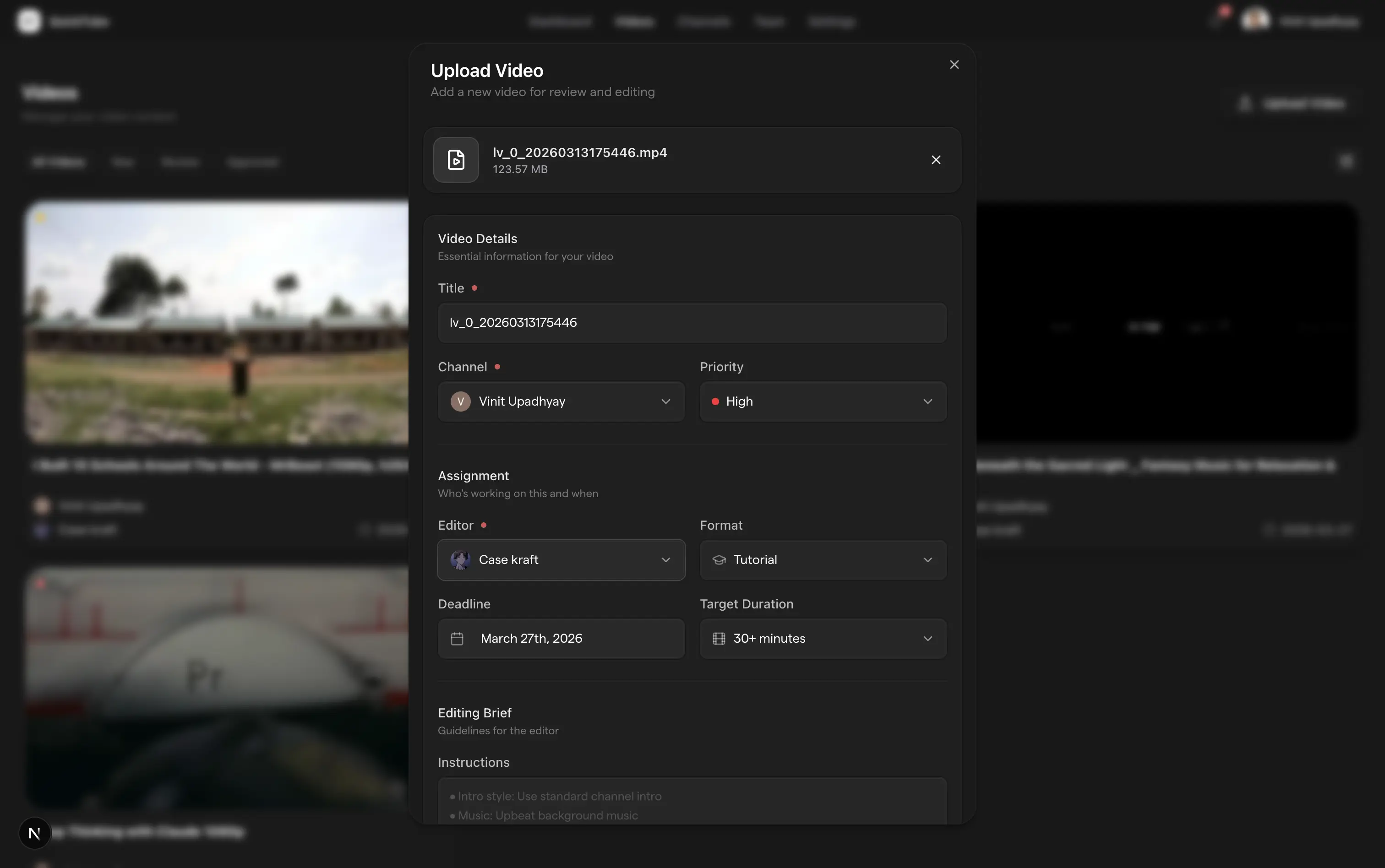
QuickTube helps content creators and their teams collaborate securely, optimize metadata with AI, and publish videos faster than ever.
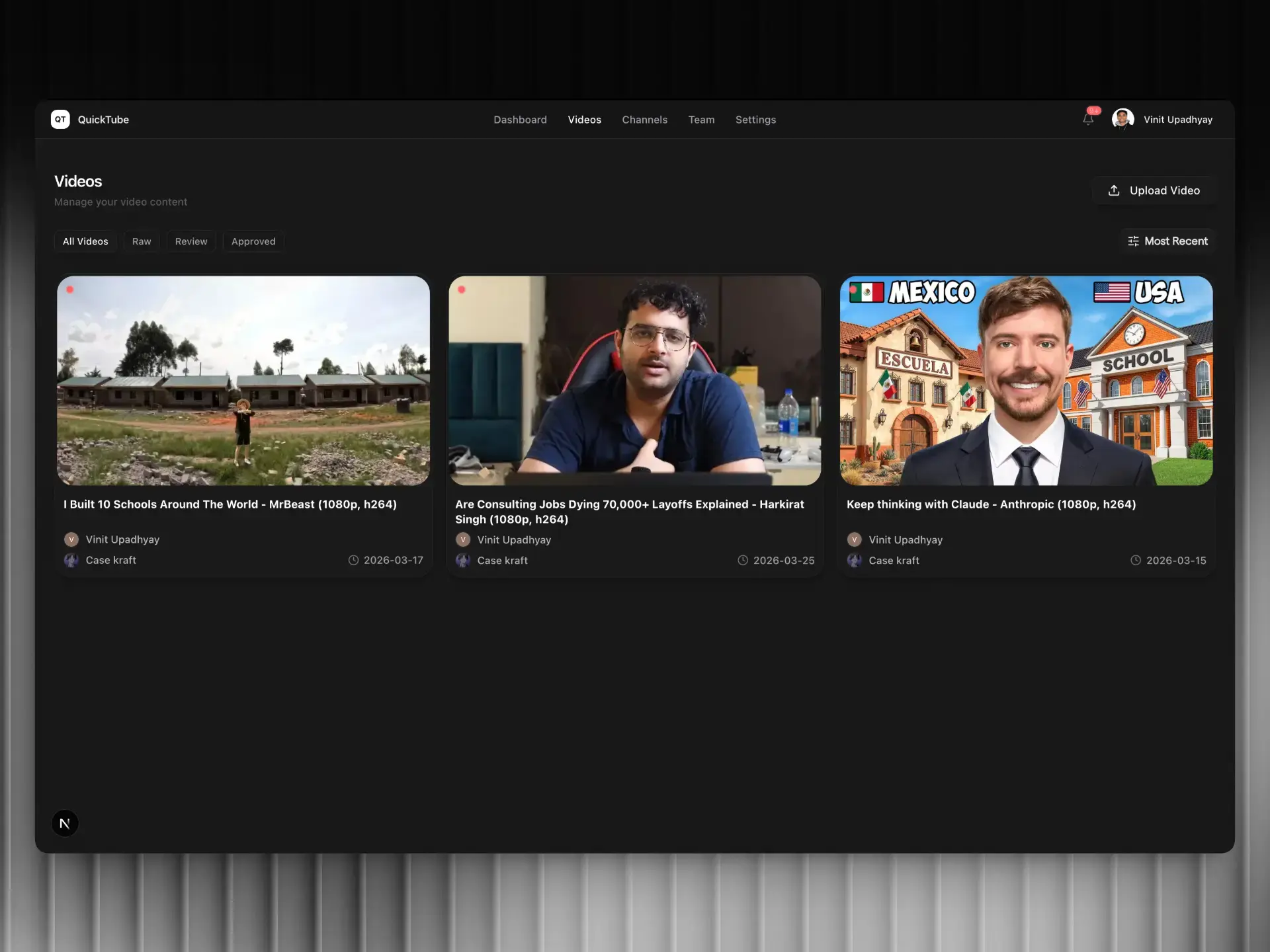
From secure YouTube channel connection to editor performance tracking, QuickTube replaces your duct-tape stack of Drive, Discord, and spreadsheets with one streamlined workflow.


Track viewer engagement, retention metrics, and channel performance across all your connected YouTube channels.






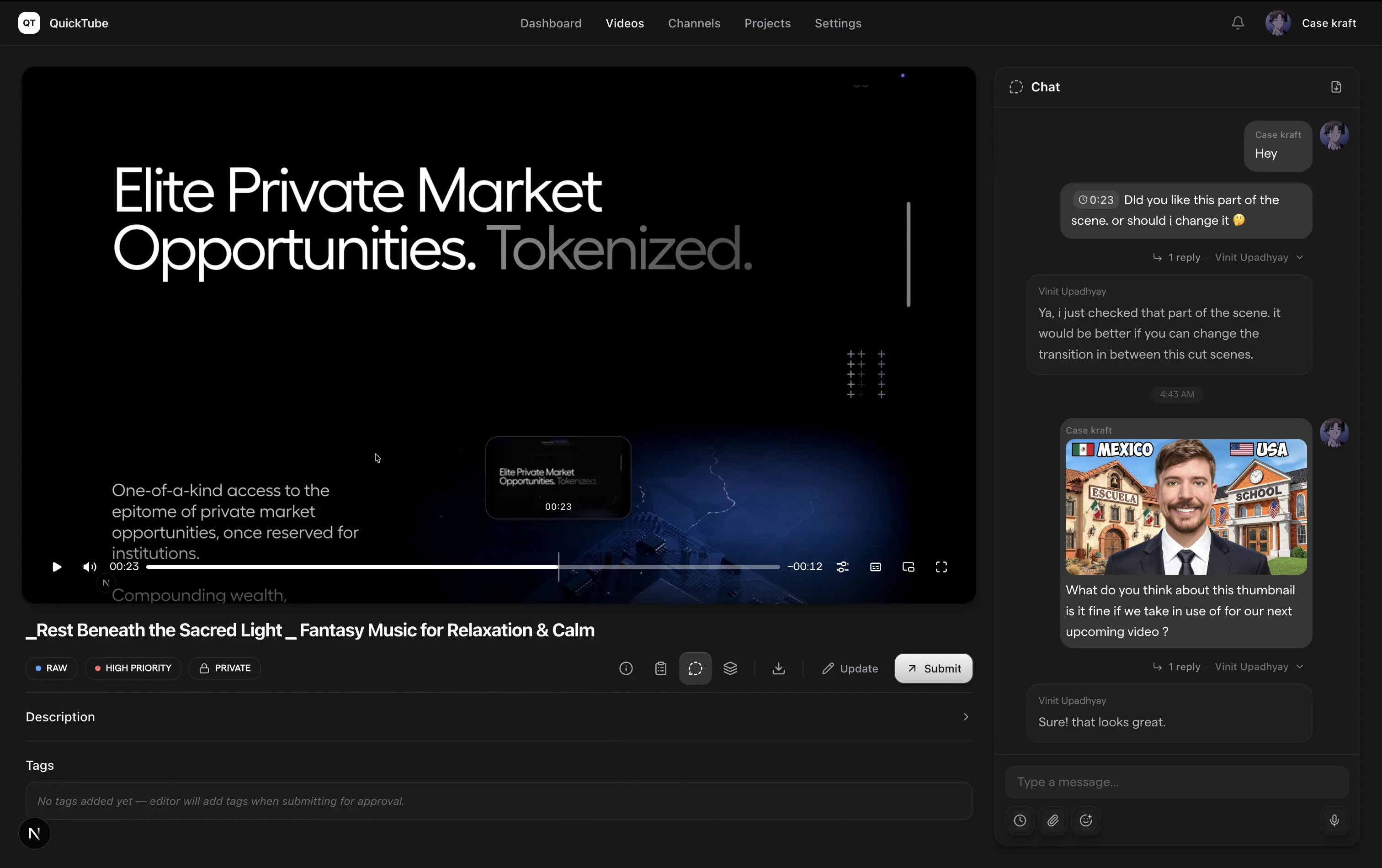
Invite editors in seconds, assign videos, leave timestamped feedback, and track every revision, all in real time.

Editors work in their own workspace without touching your channel credentials. OAuth tokens stay encrypted, always.

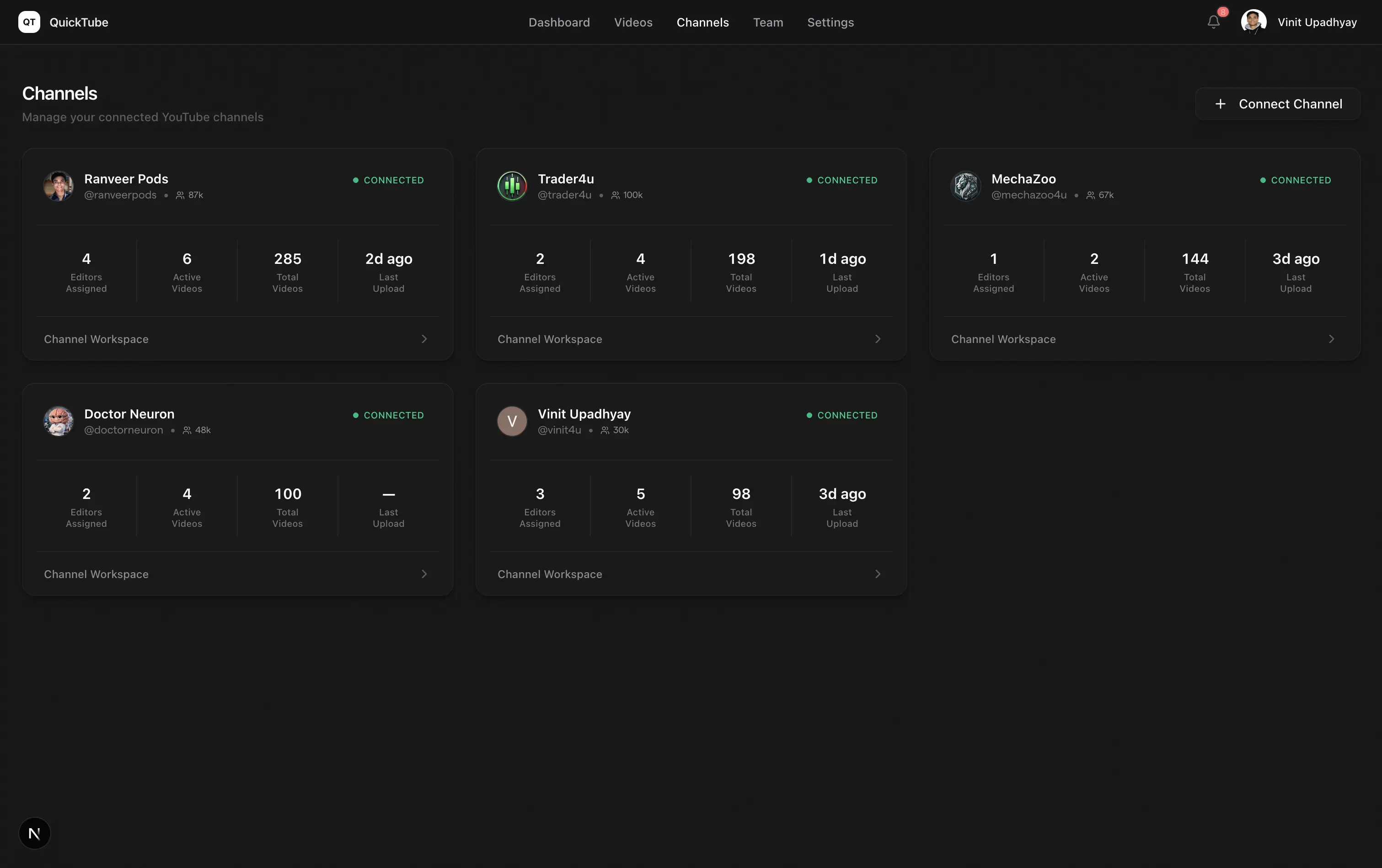
Connect multiple YouTube channels and manage all your editors, videos, and publishing from one unified dashboard.
Assignments
Quicktube allows you quick assignments, clear priorities, and the latest cut linked to the task not buried in chat.
Review
Timestamped feedback, clear revision rounds, and a single place to resolve comments before you publish.
Channels & team
Connect multiple YouTube channels, invite editors safely, and manage access without sharing passwords.
Pricing
Upload in 4K, review smoothly, and scale without paying per seat. One owner subscription covers both your YouTuber and Creative Team workspaces while editors collaborate for free.
For creators and small teams to review, approve, and publish videos.
Annual billing available at $108/year
For professional creators managing high-volume video pipelines.
Annual billing available at $182/year
Maximum capacity and retention for agencies running multi-channel workflows.
Annual billing available at $566/year
Straight answers about YouTube access, editors, and early access.
You sign in with Google and authorize QuickTube through YouTube's OAuth flow. We only request the scopes needed to help you manage workflows we never ask for your Google password outside of Google's own sign-in.
See how QuickTube can simplify your creator–editor collaboration. Request a demo or join us as a collaborator.